OneTouch Verio® – Edit Preset Time And Date
Products
OT Verio Meter
Edit Pre-Set Time, Date and Range Limits:
Edit The Time: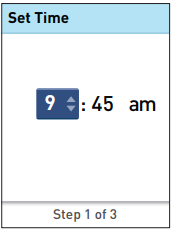
Edit The Date: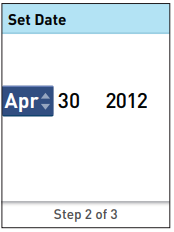
Edit The Time:
- To change the time press ↑ or ↓ to set the hour and press OK.
- Repeat this step to set the minutes and am or pm.
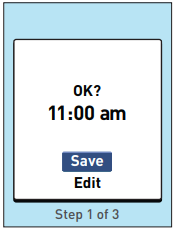
- When the time is correct, press OK.
- If you need to make an adjustment, press ↑ or ↓ to highlight Edit and press OK, then repeat the steps for Edit The Time above.
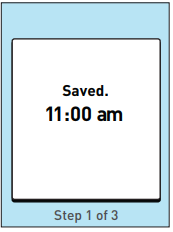
- Saved will appear to confirm that the time displayed is now stored in the meter.
Edit The Date:
- To change the date press ↑ or ↓ to set the month and press OK.
- Repeat this step to set the day and year.
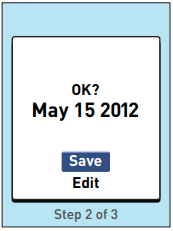
- When the date is correct, press OK.
- If you need to make an adjustment, press ↑ or ↓ to highlight Edit and press OK, then repeat the steps for Edit The Date above.
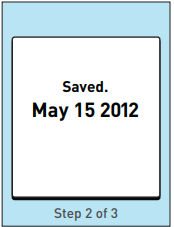
- Saved will appear to confirm that the date displayed is now stored in the meter.
AW 06908604A

