OneTouch Verio® – Downloading Results To A Computer
Products
OT Verio Meter
Downloading Results To A Computer:
- OneTouch® Diabetes Management Software (DMS) can store all of your records and help you spot patterns for planning meals, exercise, insulin dosing and medication.
- Contact OneTouch® Customer Care to learn more about OneTouch® DMS and to order the software.
- Connect only to a computer certified to UL 60950-1.
- To transfer meter data, follow the instructions provided with the OneTouch® DMS to download the results from the meter. You will need a standard micro USB interface cable to connect your OneTouch Verio® Meter to a computer to download results (not included).
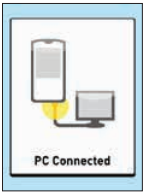
- Once the command to start the download is sent from the computer to the meter, the meter display will show PC Connected indicating that the meter is in communication mode.
- Do Not insert a test strip while the meter is connected to a computer.
AW 06908604A