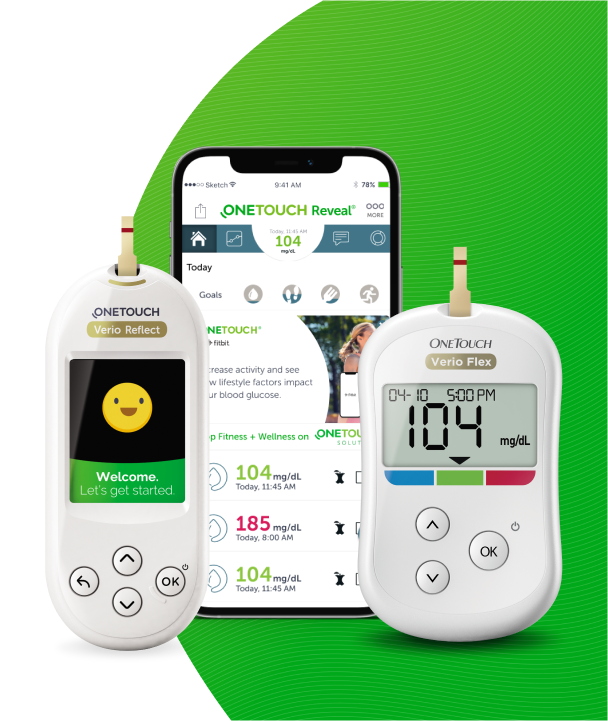
OneTouch Reveal® Mobile App - Android™ – Apps
Products
OT Reveal Mobile App
Apps:
Connections:
- Connections allow you to control how you share your health information with other applications or your healthcare professional. Tapping Connections from the More Menu will display an overview of your connections.
- NOTE: If you are using a OneTouch Reveal® guardian account, make sure you are connecting to a health app that uses only your dependent's personal data.
Apps:
- Fitbit® Products:
- Fitbit® Products are registered trademarks of Fitbit LLC and its affiliates in the United States and other countries.
- Connecting to a Fitbit® product allows you to share your Fitbit® product data with OneTouch Reveal®.
1. Tap the More menu then Connections.
2. Tap the toggle button for Fitbit® products on the right side of the screen to enable a connection with Fitbit® products.
3. On the next screen, log in to your Fitbit® product account.
4. Next, select the data you wish to share from your Fitbit® product to OneTouch Reveal®. Displaying of carb data from the Fitbit® product is not supported at this time but planned for a future release.
5. Tap Allow.
-
- NOTE: To disable the connection with your Fitbit® product, tap the toggle button again. You will no longer share your Fitbit® product data with the OneTouch Reveal® mobile app.
- Health Connect:
- This feature is only available on devices that support data sharing.
- You can use the Connections feature to enable data sharing between the OneTouch Reveal mobile app and Health Connect. Based on the permissions you choose, you can share your blood glucose data with Health Connect. When available, you can also allow Health Connect to share exercise (Steps and Activity) data with the OneTouch Reveal® mobile app
1. Tap the More menu then Connections.
2. Tap the toggle button on the right side of the screen to enable sharing with Health Connect.
3. Review the data sharing information between the OneTouch Reveal® mobile app and Health Connect. Tap Allow to confirm the connection.
4. If you would like to turn off the connection, tap the toggle to turn it off. You will no longer share your OneTouch Reveal® information with the health app.
-
- NOTE:
- You can adjust your settings within Health Connect to completely disable access to the OneTouch Reveal® mobile app.
- Health Connect may display your readings in a different unit of measure than the OneTouch Reveal® mobile app.
- Health Connect will only receive blood glucose readings taken after the connection is complete.
- If the date or time are set incorrectly in your meter or mobile device, your readings may have an incorrect date or time. To avoid confusion, any readings with a future date or time will not be shared with Health Connect.
- NOTE:
- Care Team:
- You can share your health information with your Care Team such as your doctor’s clinic or other healthcare providers. Use this section to view which clinics you are connected with and share your health information with additional clinics. You can initiate sharing with your Care Team by obtaining a clinic code. Contact your Care Team to see if they are enrolled.
- To stop sharing your health information with a clinic, please contact the clinic directly.
AW07223201Q